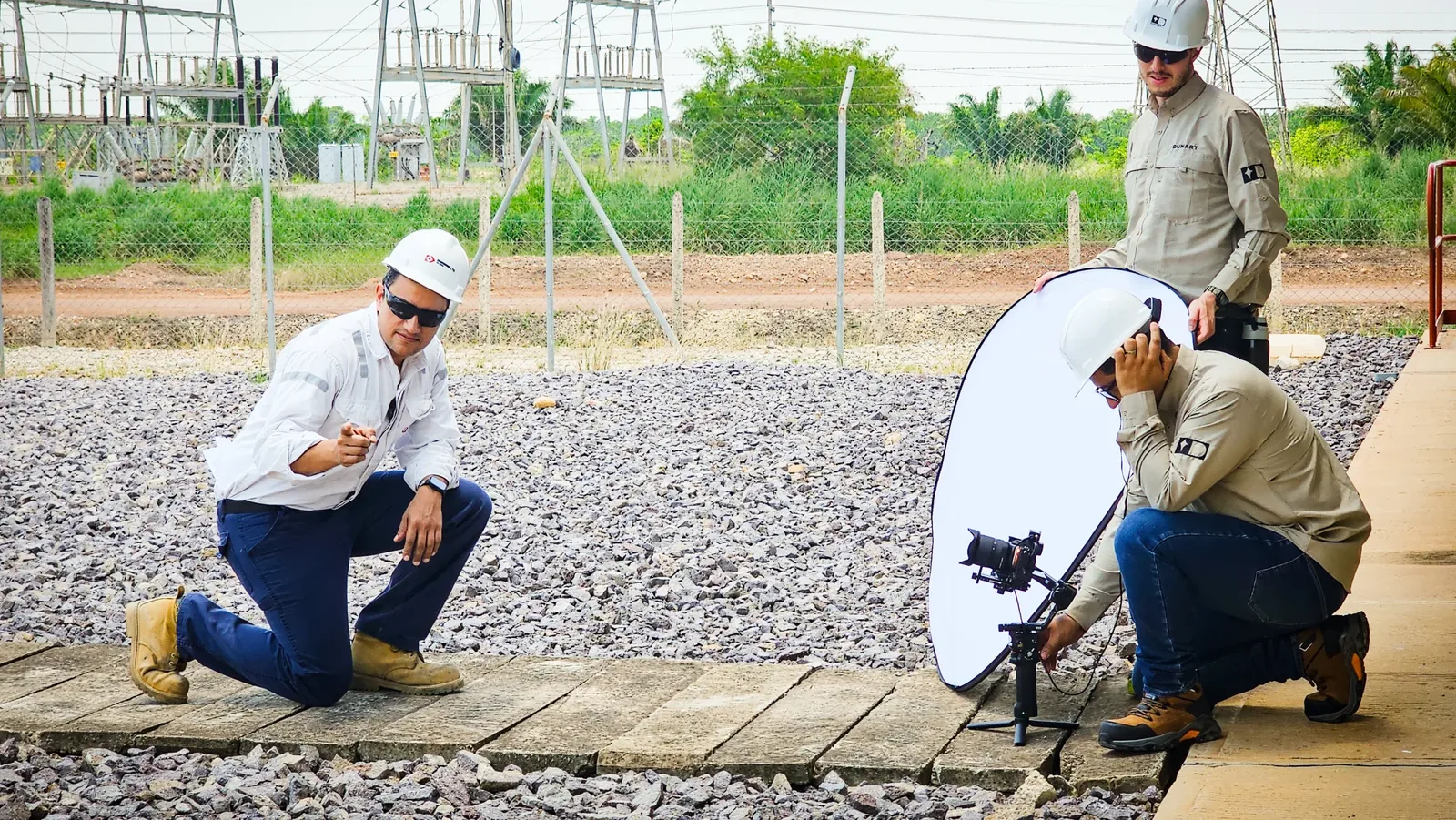
When the camera
is you.
Before you hit record
Phone in landscape
Always horizontal, never vertical, unless we specifically ask for reel or story format.
Prop it up, don’t hold it
Use a tripod, a book or any steady surface. Hand shake always shows on camera.
Clean the lens
A lens with fingerprints or dust lowers the sharpness of the entire video. Wipe it with your sleeve before recording.
Airplane mode or “Do Not Disturb”
Prevents a call or notification from interrupting the recording or ringing in the background.
Framing and light
Camera at eye level
Not from below or from above. Stack books or use a tripod until the lens is at your eye level.
Leave space above your head
Frame yourself from the chest up, with a small gap above your head, not touching the edge.
The light should be in front of you
Face a window or lamp. Never with your back to the light: that turns you into a dark silhouette.
Mind what is behind you
A clean, tidy background (or a neutral wall) conveys more professionalism than any filter.
Audio matters as much as the image
Find a quiet space
Close windows, turn off the fan or air conditioning, and let people at home or the office know you are recording.
Use a headset or earphones with a microphone
They almost always record better audio than the phone’s built-in microphone, especially if there is distance or echo in the room.
How to send it to us
Record more than one take
2 or 3 takes of the same message give us editing room if something goes wrong in the first one.
Don’t send it via WhatsApp
WhatsApp compresses video and loses quality. Send it at its original size — see the file sending guide.